
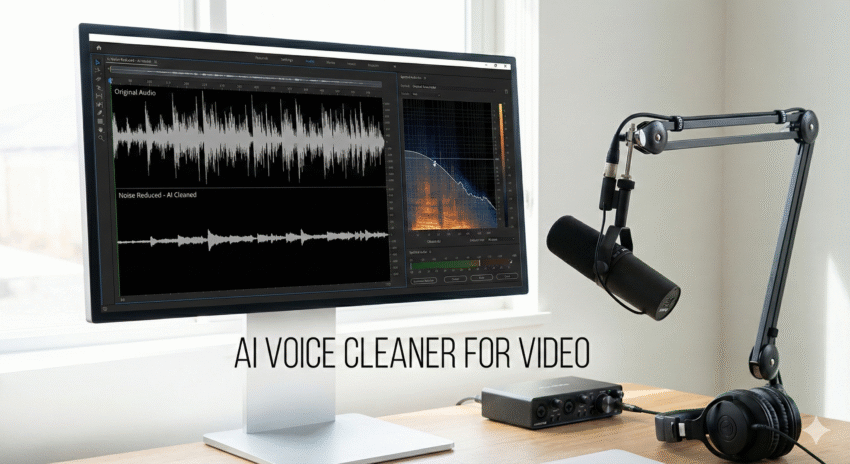
Introduction
Bad audio ruins good video — even if your visuals are sharp and your storyline is strong. Whether you’re editing tutorials, podcasts, or short-form videos downloaded using FastVideoSave, improving the voice clarity is essential.
In this guide, you’ll learn the best AI voice cleaner for video, how to remove background noise from video, alternatives to Adobe Podcast Enhance, and the exact workflow used by creators who want fast, clean, studio-like sound. We’ll also link to our Remove Silence guide so you can clean both pacing an audio quality in one workflow.
Why You Need an AI Voice Cleaner (2025 Reality)
Creators today record in:
- Bedrooms
- Kitchens
- Hotels
- Cars
- Outdoor environments
- Reverberant offices
Which creates noise like:
- AC hum
- Fan noise
- Echo
- Keyboard clicks
- Room reverb
- Traffic or wind
- Mic hiss
- Background voices
AI removes these instantly — without manual EQ, gating, or compression.
Top AI Voice Cleaners for Video (2025)
Below are the most reliable online + offline tools used by editors.
1. Adobe Podcast “Enhance Speech” (Official Tool)
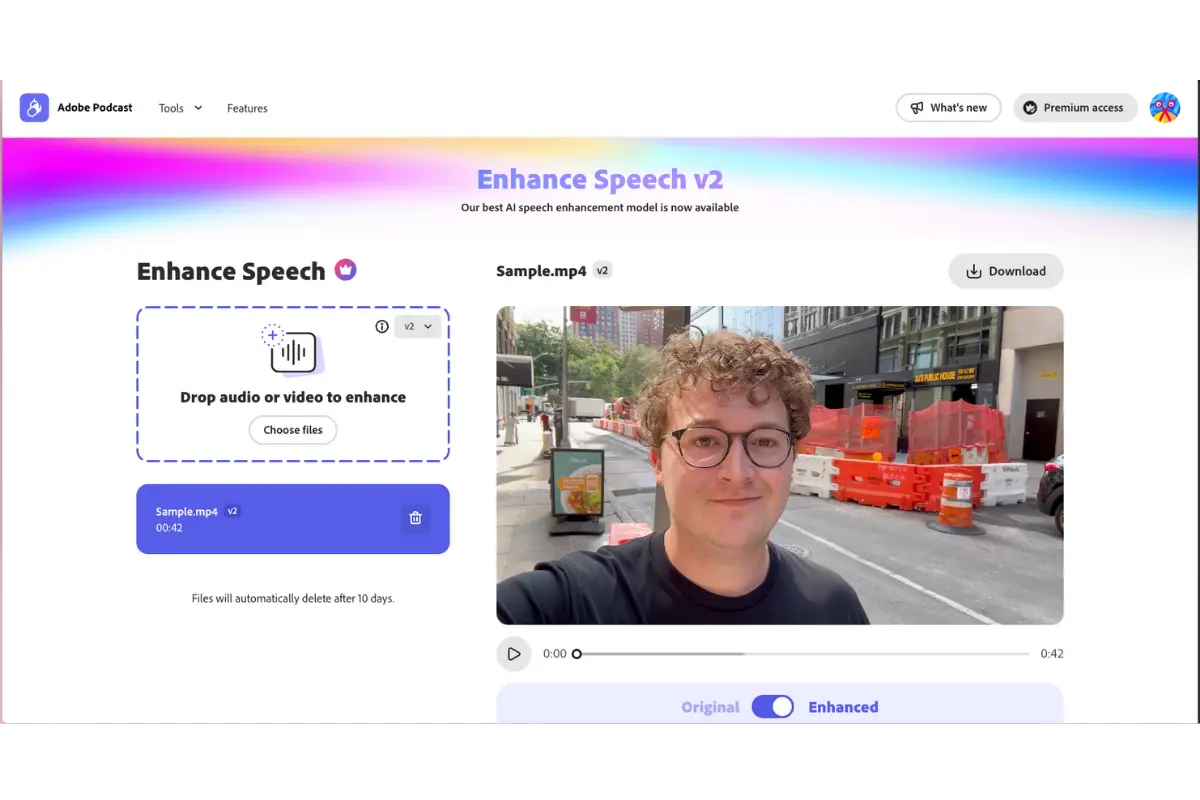
Why creators love it:
- Makes audio sound like it was recorded in a studio
- Removes hum, reverb, echo, and room noise
- Extremely fast
- Works even with poor-quality mics
Strengths:
✔ Best for talking-head videos
✔ Works for podcasts & tutorials
✔ One of the cleanest AI outputs
2. Auphonic — Best for Balanced Audio Mastering
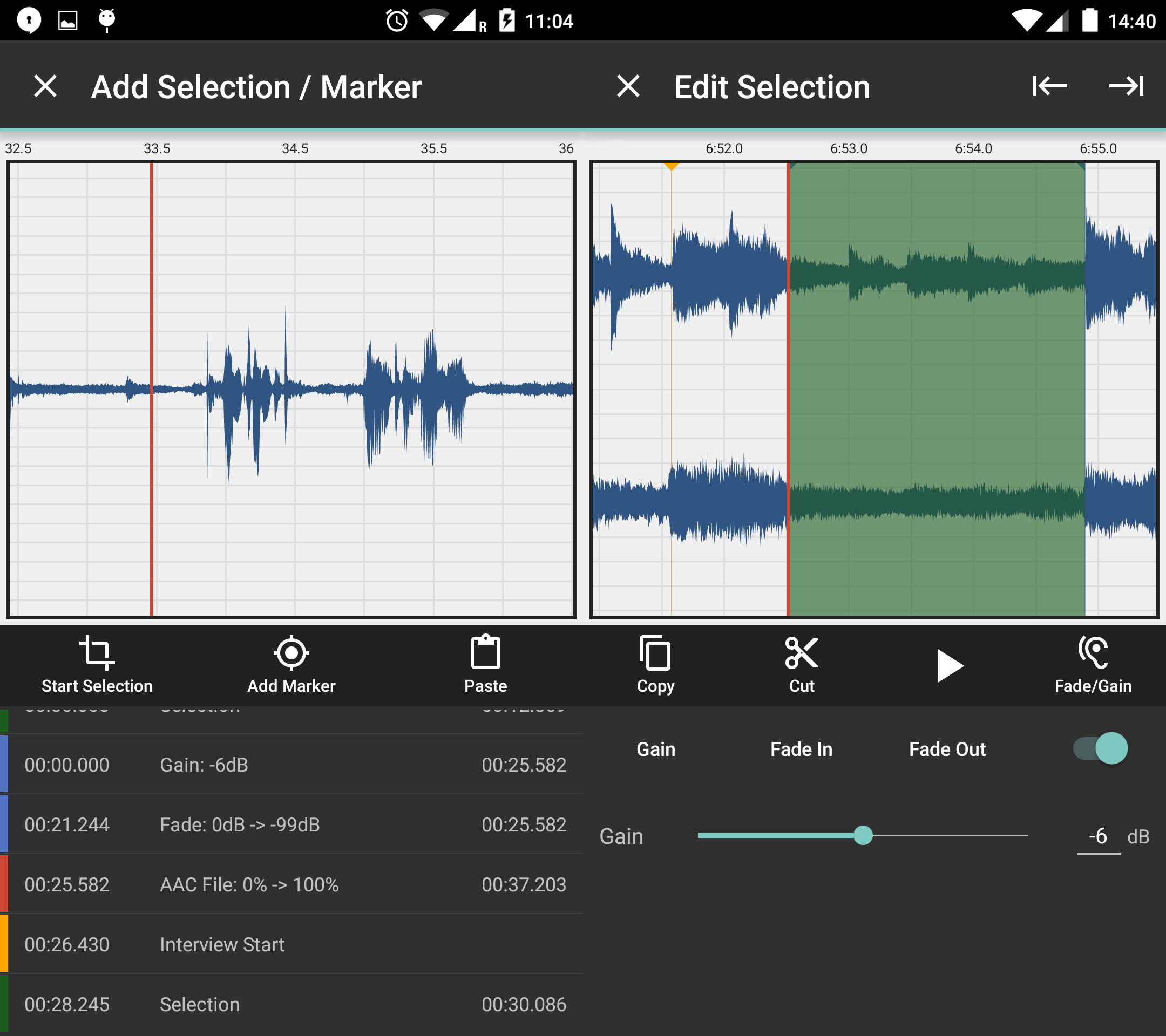
Why editors trust it:
- Automatic noise reduction
- Intelligent leveling
- Removes clipping
- Adds loudness normalization
- Perfect for long-form recordings
Strengths:
✔ Cleaner + more natural than many AI tools
✔ Great for YouTube, courses, and interviews
✔ Supports batch processing
3. Descript Studio Sound — Best All-In-One Editor
Why it’s powerful:
- Removes background noise
- Rebuilds voice clarity
- Works directly inside your editing workflow
- Pairs well with captions & edits
4. Kapwing / VEED Noise Cleaners — Best Online Quick Fixes
Why people use them:
- Fast
- No software required
- Good for social media clips
AI Voice Cleaner Comparison (Quick Overview)
| Tool | Noise Removal | Echo Reduction | Best For | Notes |
|---|---|---|---|---|
| Adobe Podcast Enhance | ✔✔✔ | ✔✔ | Reels, YouTube, TikTok | Most aggressive cleaning |
| Auphonic | ✔✔ | ✔✔✔ | Long podcasts, interviews | Most natural sound |
| Descript Studio Sound | ✔✔✔ | ✔ | Creators & editors | All-in-one app |
| Kapwing / VEED | ✔✔ | ✔ | Quick online fixes | Good for casual users |
Required Section: Audio Sample Description (Before vs After)
Below is a clear description of what creators typically hear after AI cleanup.
🎧 BEFORE (Raw Audio)
- Audible room echo
- Background AC/fan hum
- Hissing in silent parts
- Inconsistent loudness
- Hard to understand consonants (“t”, “s”, “k”)
- Slight distortion from cheap mics
- Dead air between sentences
🎙️ AFTER (AI-Cleaned Audio)
- Voice sounds closer + warmer
- Background noise nearly gone
- Even loudness level
- Clear consonants & crisp dialogue
- No echo or reverb
- Dead air minimized
- Output feels like a treated studio room
This upgrade alone increases watch time, retention, and professionalism instantly.
How to Clean Audio Using AI (Simple 3-Step Workflow)
Step 1 — Upload Your Video or Audio File
Drag your file into:
- Adobe Podcast
- Auphonic
- Descript
- Or an online noise reducer
Step 2 — Apply Enhancement / Noise Reduction
Depending on tool:
- Adobe → Enhance Speech
- Auphonic → Noise Reduction + Leveling
- Descript → Studio Sound
Step 3 — Download & Replace In Your Timeline
Export WAV/MP3 → Replace audio → Sync with video.
Done.
Which Tool Should You Use? (Based on Creator Type)
YouTubers / Podcasters
→ Auphonic or Descript for natural tone
Short-form creators
→ Adobe Enhance for aggressive studio-like clarity
Course creators
→ Auphonic for clean long-form consistency
Editors who want speed
→ Adobe or Kapwing
Those who want pacing + silence removal
→ Use AI Voice Cleaner
How AI Removes Background Noise (Technical Overview)
AI models evaluate:
- Spectral noise patterns
- Harmonic structures
- Voice frequencies
- Transient smearing
- Room resonances
- Environmental noise signatures
Then they regenerate the voice instead of simply filtering noise, giving a much cleaner result.
Common Audio Problems AI Fixes Instantly
- Room echo
- Low hum
- Street noise
- Laptop fan noise
- Hollow microphone tone
- Bad gain staging
- Mic distance issues
- White noise from cheap USB mics
FAQ
Does AI voice cleaning work on video files?
Yes — most tools accept MP4 and extract audio automatically.
Will AI remove music or background voices?
It reduces them but won’t fully isolate vocals in every case.
Is Adobe Podcast Enhance free?
A limited free tier exists; paid tiers offer more control.
Does denoising reduce vocal quality?
Aggressive AI can make audio sound “robotic.” Auphonic keeps it natural.
Can AI restore completely destroyed audio?
No — but it can dramatically improve mildly damaged recordings.
Conclusion
AI voice cleaners have become essential for creators producing YouTube videos, Reels, TikToks, courses, and podcasts. Tools like Adobe Podcast Enhance, Auphonic, and Descript provide near-studio audio even with cheap microphones and noisy environments.
Pair AI voice cleanup with pacing optimization using our Remove Silence workflow and clip downloads using FastVideoSave, and your content will sound polished, professional, and ready to publish.